Workspace Overview: Where Everything Is Located
Here is a quick breakdown of Storello's layout so you never have to hunt for features. There are three main levels: Home Dashboard → Book Project → Chapter Editor.
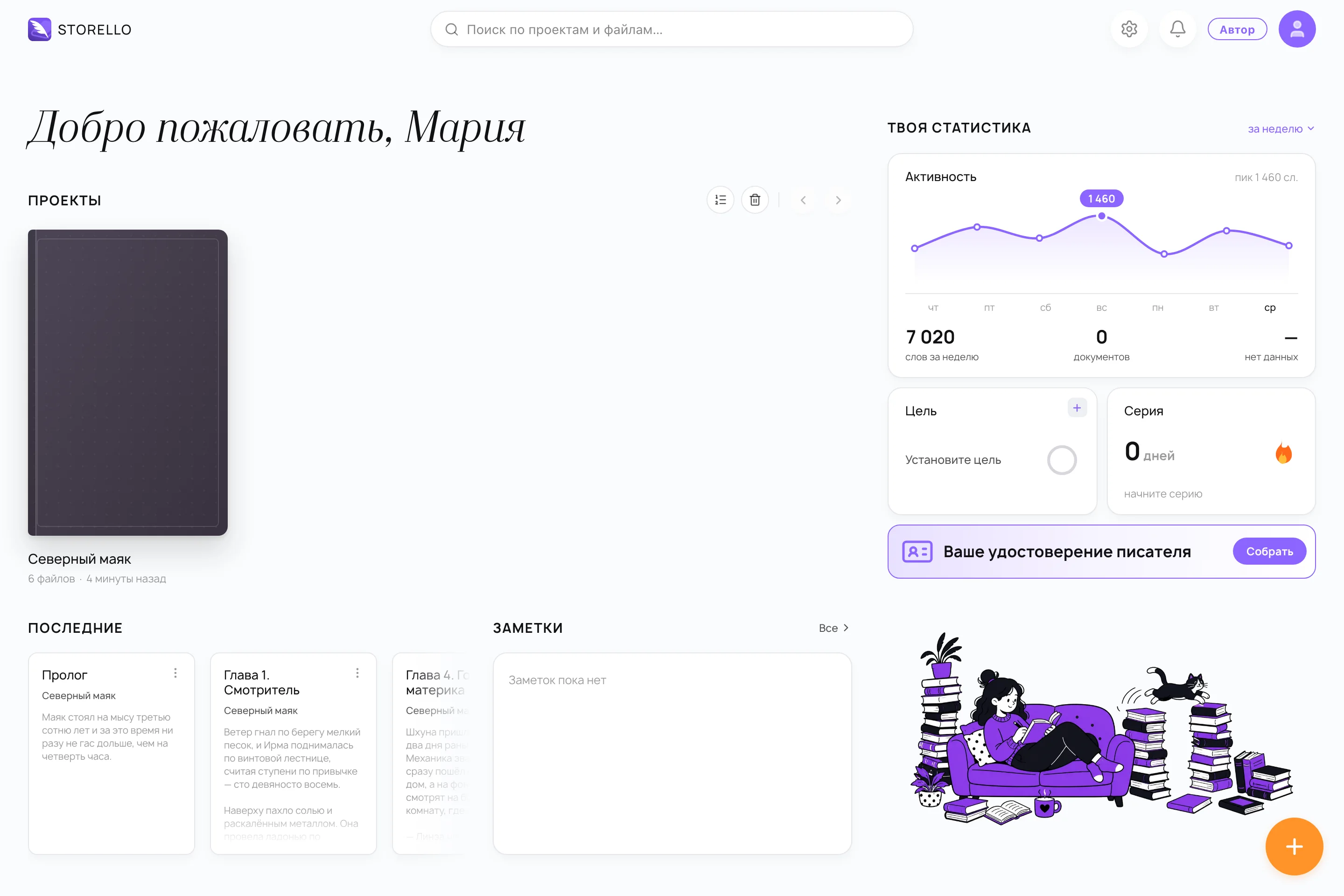
The Home Dashboard
The first screen you see after signing in displays your book projects, recently opened chapters, and notes. The right-hand panel tracks your writing statistics: weekly drafting activity, total word count, target goals, and your active writing streak.
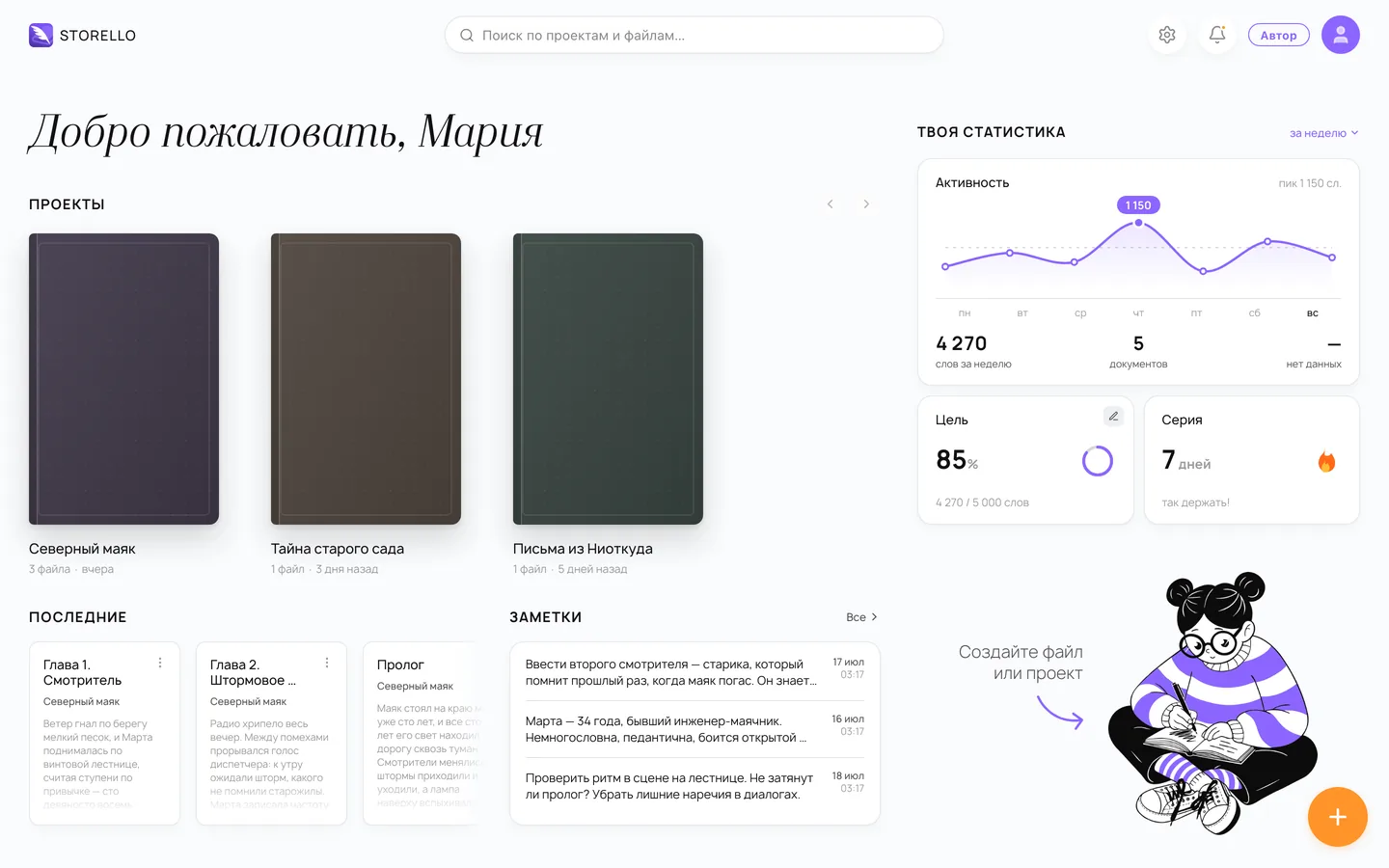
From here, open an existing book or start a new project with the + button in the bottom-right corner.
The Book Workspace
Inside a project, the left sidebar displays your book structure (chapters, parts, and folders), the center displays the text editor, and the top bar provides project search, export options, and collaborator permissions. Switch between project sections:
- Chapters — your manuscript draft. Details: Book Structure.
- Characters & Locations — your story world. Details: Story World.
- Timeline — narrative events mapped across chapters. Details: Plot & Timeline.
- Notes — brainstorming fragments and scratchpads alongside your draft.
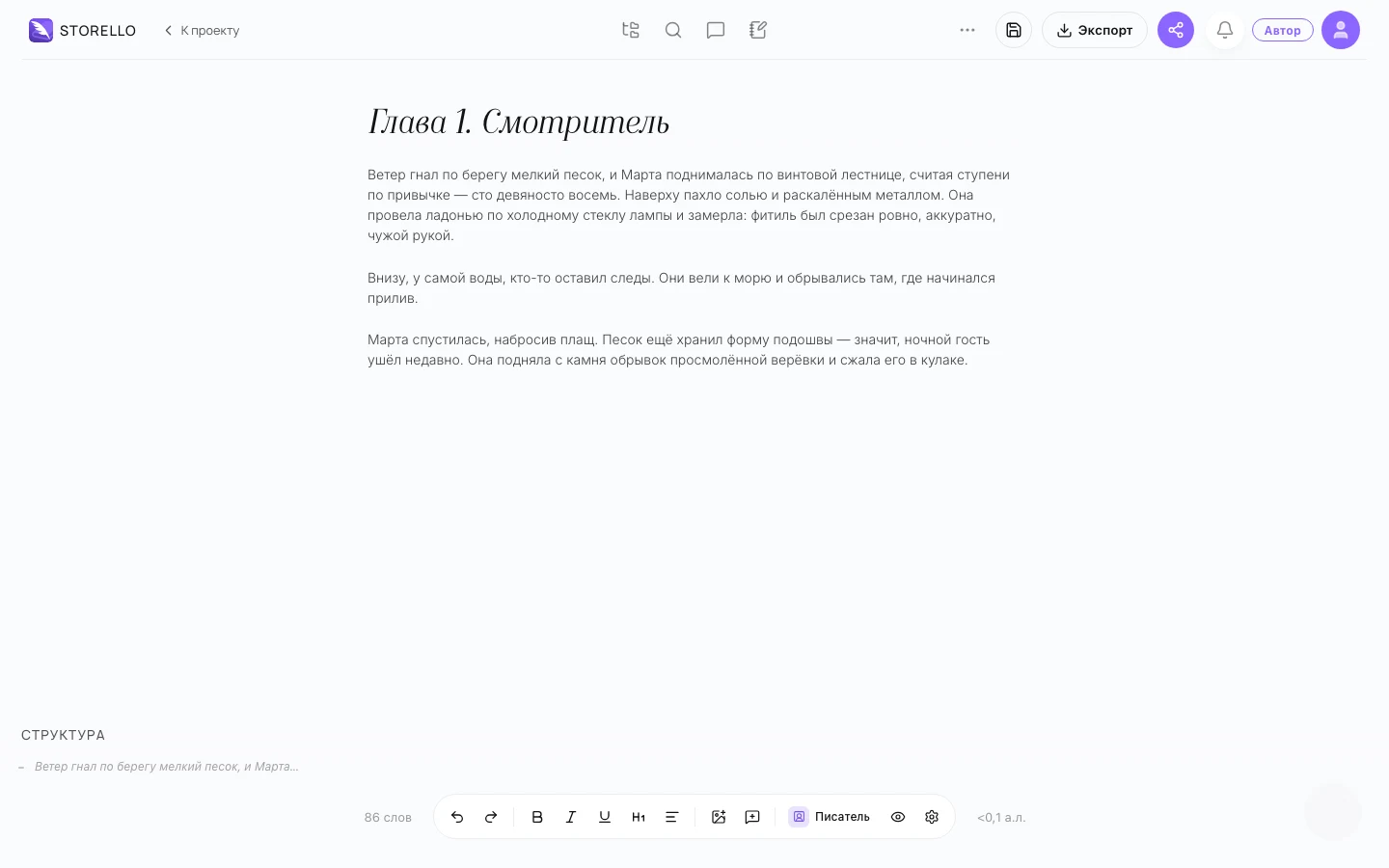
A full breakdown of the editor toolbar, formatting controls, and zen mode is available in Editor & Writing.
If you ever lose track of a setting or tool, use search at the top (the search icon or press "/"): there is a guide for nearly every feature.