How to Start Writing Your Book in Storello
Storello is a dedicated workspace where your novel lives as a complete project: chapters, characters, worldbuilding, and notes in one unified space, rather than scattered across dozens of "draft_final_v2" files. Below is the quick walkthrough from signing up to finishing your first chapter.
- 1
Open the app via the "Start Writing" button and enter your email — sign-up is free, no credit card required.
- 2
Confirm your email: enter the 6-digit code sent to your inbox. You will set your account password on this screen.
- 3
Click "Create Project" and title your book — this creates your first project. Learn more in the guide Creating a Project.
- 4
Inside your project, create your first chapter and begin writing in the central editor. Your text saves automatically as you type.
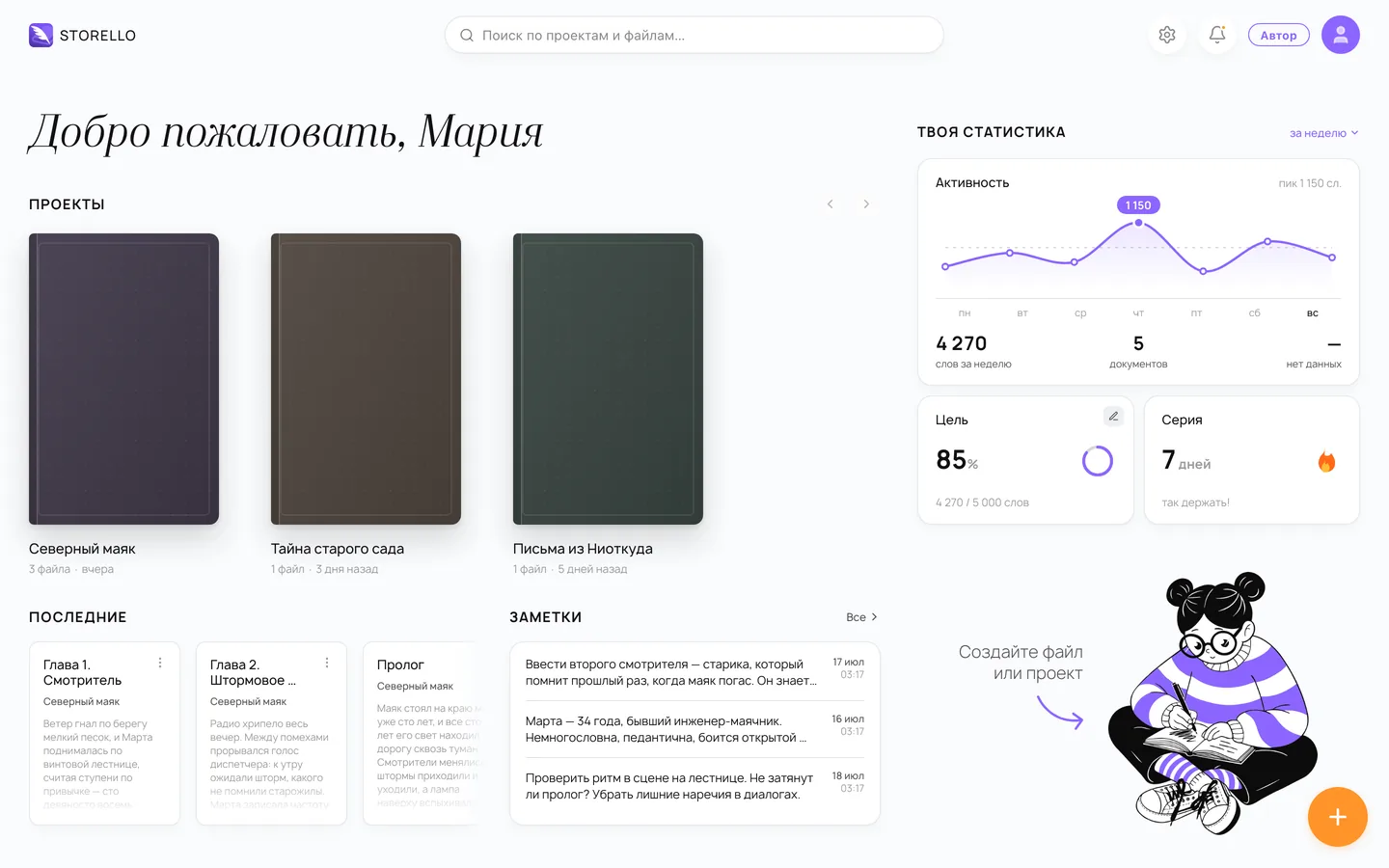
The free plan has everything you need to explore: up to 3 book projects, export to TXT and Markdown, and 7-day draft version history.
Next Steps
Once you are comfortable with your first chapter, explore the character dossiers and timeline — they keep your story bible close at hand. When your manuscript is ready, you can export it to Word, PDF, or EPUB.
If you want a tour of where everything is located, check out the overview: Workspace Overview.